YOUR GUIDE TO BETO

Make your next
find a good one.

Here’s how to explore Michigan’s licensed cannabis scene, find local offers, and make BETO work for you.

BETO map interface
YOUR MICHIGAN DISCOVERY MAP ↗
STEP 01 / EXPLORE

Start with
the map.

Explore Michigan’s licensed cannabis businesses in a map-based view. Use available location features to discover businesses around an area or plan a trip to somewhere new.

  • Browse locations across Michigan
  • Search by business name, city, or ZIP code
  • Use available medical and recreational filters
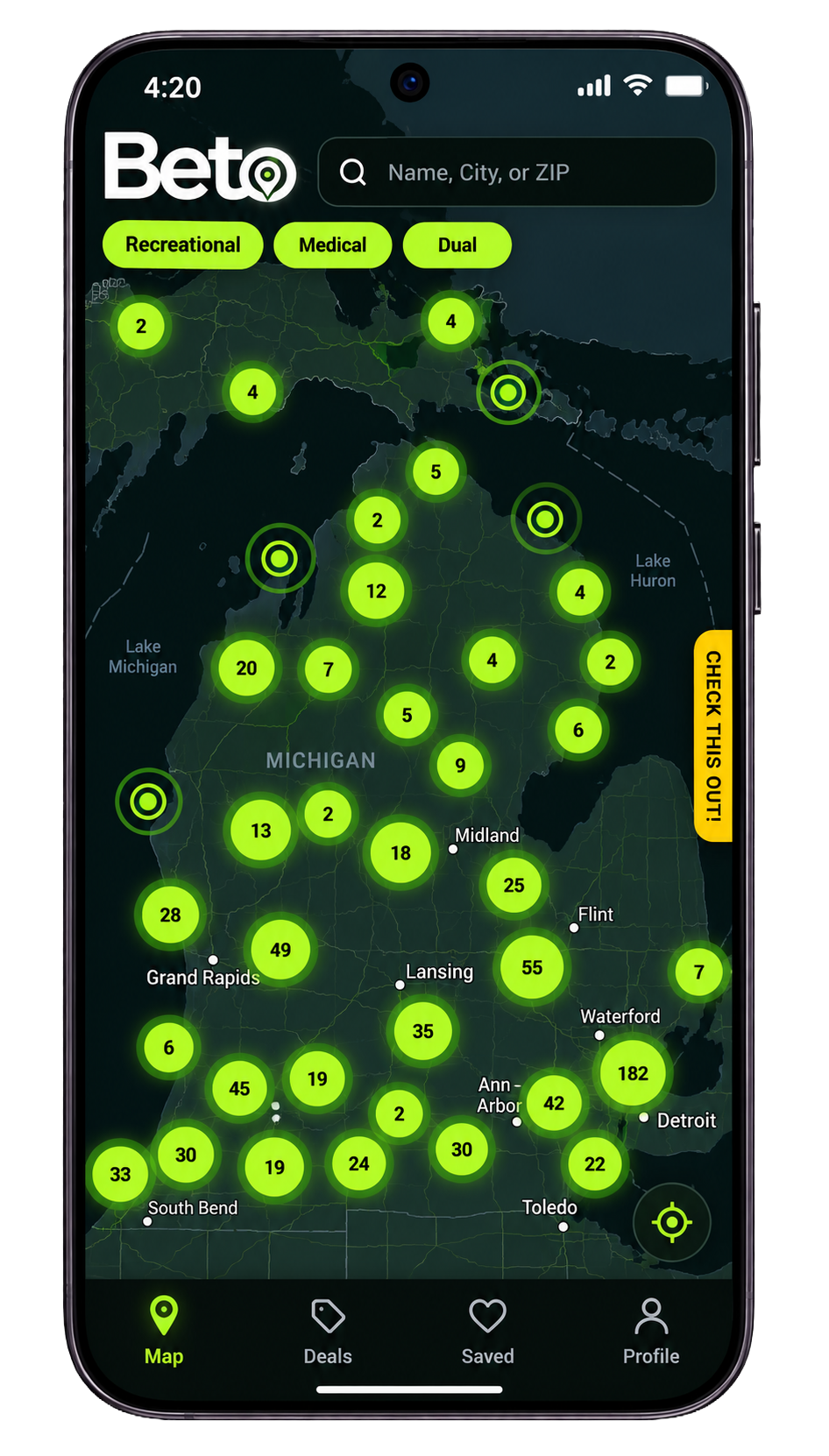
BETO interactive Michigan map
STEP 02 / GET THE DETAILS

Know before
you go.

Open a listing to review the information provided for a business. Depending on the listing, you may find operating hours, menus, license details, and directions.

  • Review available business information
  • Check menus and hours where provided
  • Open directions to plan your visit
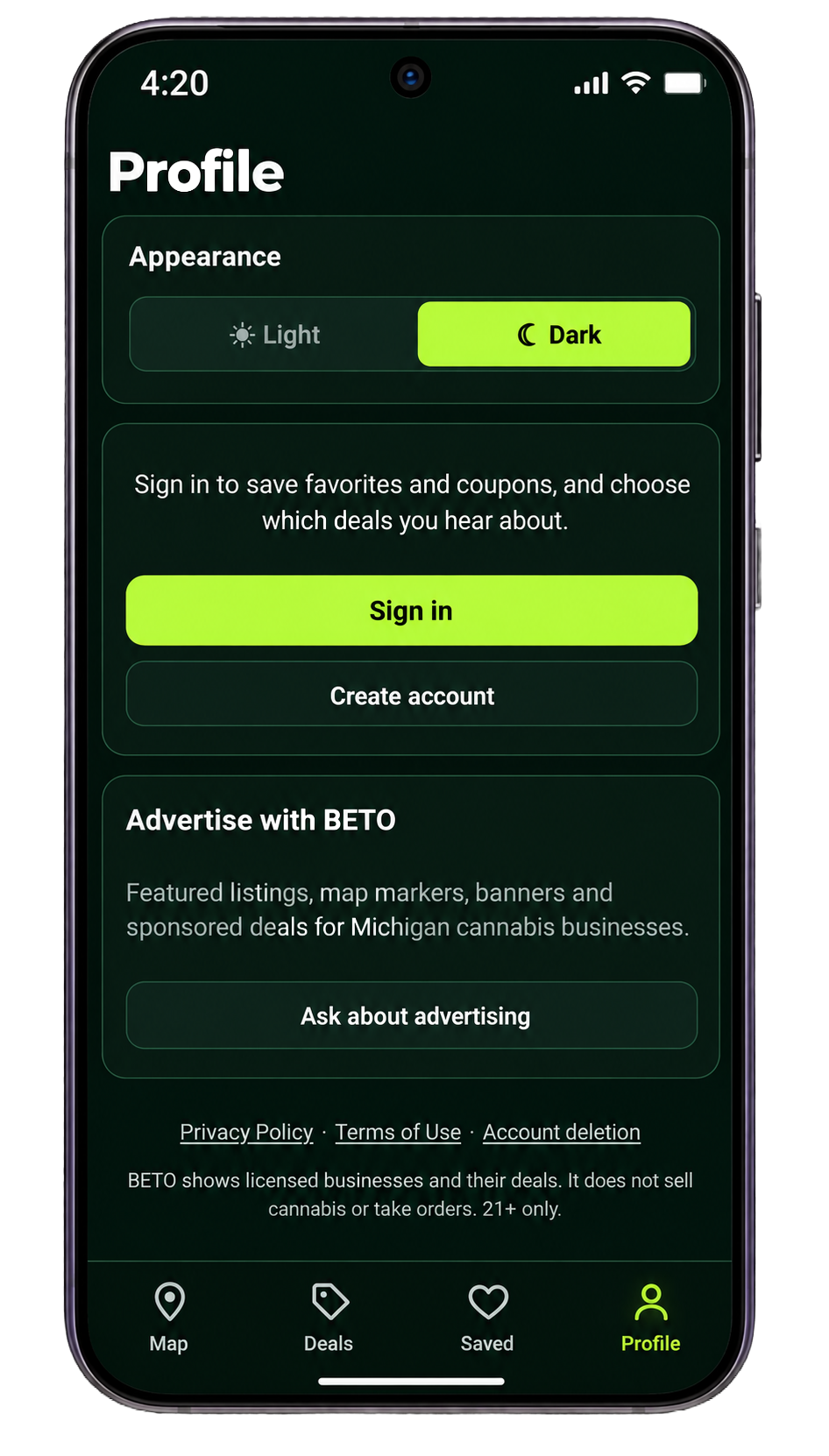
BETO app profile and listings interface
STEP 03 / DISCOVER OFFERS

Find a deal
worth a look.

Browse promotions and offers listed through BETO. Check the details and any applicable terms directly with the business before visiting.

  • Discover deals and coupons
  • Look for special promotions
  • Confirm availability and terms with the business
BETO FINDS
Great places.
Local offers.
✳
STEP 04 / PERSONALIZE

Make BETO
feel like yours.

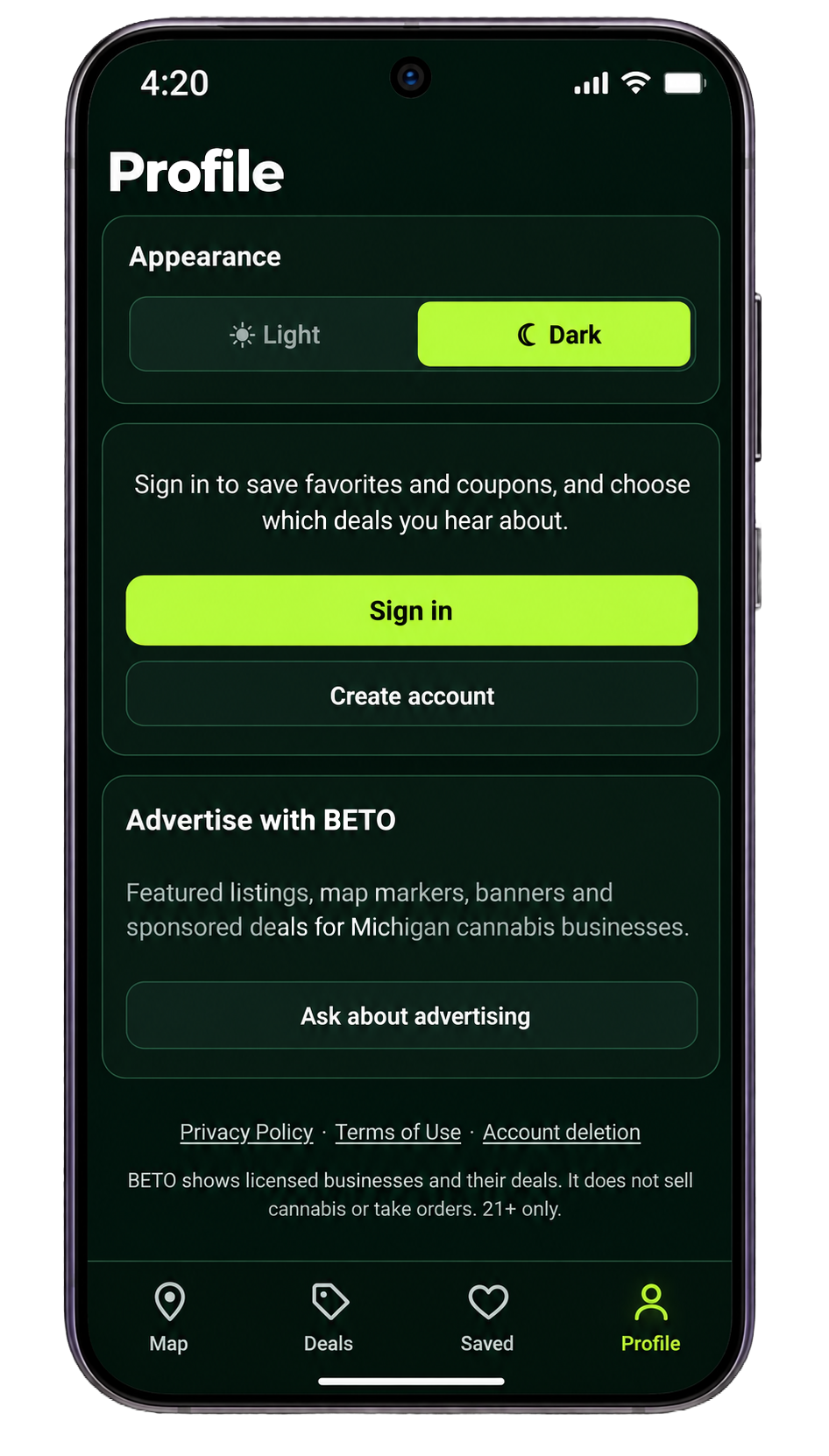
Use the profile and preference options available in your version of BETO to personalize your experience.

  • Save favorite businesses where supported
  • Set interests and notification preferences
  • Manage available reminders and profile settings
BETO profile settings screen
THAT’S THE IDEA

Michigan is out there.
Go find your spot.

Get BETO ↗
BETO app